BINDERLESS MODULES – PROJECT DOCUMENTATION

Find answers instantly – always in current document versions

Unlike emails and messengers, knowledge is not lost – it remains permanently assigned to the appropriate documents, even years after construction completion.
BinderLess Module - Project Documentation

Search for information in seconds

1. Documentation analysis

No more searching through hundreds of files or worrying whether you are working with an outdated version. BinderLess displays current information and significant changes, enabling you to make decisions faster and with greater confidence.

BinderLess Module - Project Documentation

Collaborate without chaos

2. Sharing and authorization

No more searching through hundreds of files or worrying whether you are working with an outdated version. BinderLess displays current information and significant changes, enabling you to make decisions faster and with greater confidence.

BinderLess Module - Project Documentation

Complete file history

3. Annotations and comments

Notes, comments, and questions go where they are needed – without printing, sending emails, or losing information. Every change and comment is linked to the appropriate document version.

SEARCH FOR INFORMATION IN SECONDS

1. Documentation analysis

Find the information you need in seconds – AI analyzes scans, tables, and handwriting from always current document versions, without the risk of using outdated files.

Gain complete control over file versions

Documentation analysis loses its value when you are not certain which version you are working with. Changes are lost in files, differences are difficult to detect, and errors only emerge on the construction site.

BinderLess organizes documentation, analyzes changes, and gives you confidence that you are working with the correct version – it is a single point of reference for the entire team.

What do you gain by searching for information in BinderLess?

  • Confidence that everyone is working with current document versions

  • Quick comparison of drawings and documents – see only significant changes

  • Instant access to information about files through metadata

  • Ask AI a question and receive an answer regardless of the documentation language

  • Generate reports in seconds, precisely according to team needs

How does documentation analysis work?
BinderLess Module - Requests for Information (RFI)

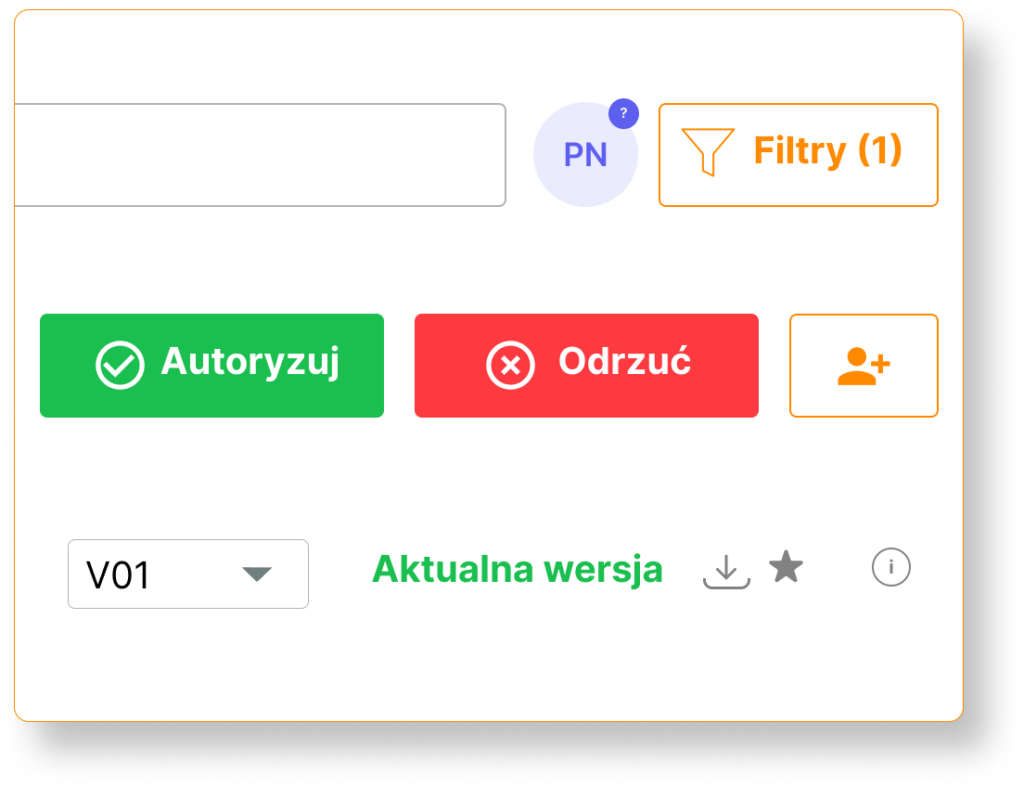
Current version control

No more working with outdated versions. BinderLess always displays the most current file version, along with its history, and your team is informed about changes!

BinderLess Module - Requests for Information (RFI)

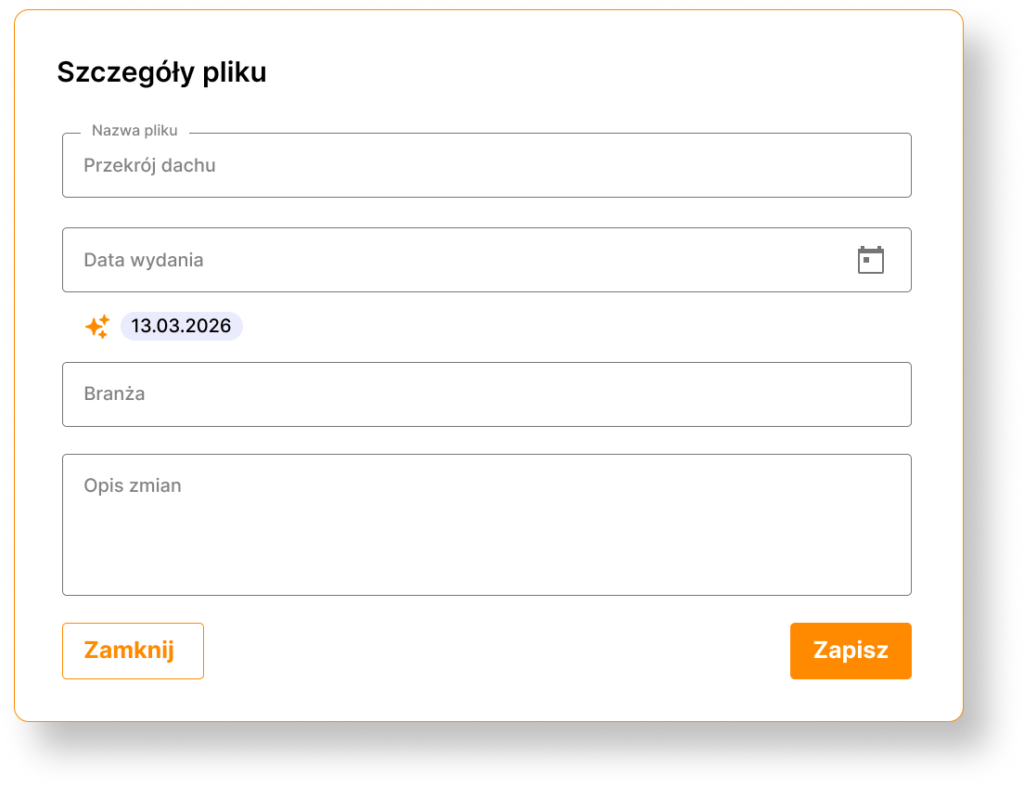
Information at a glance – metadata

Every change is described and provided with context, allowing you to track who changed what, without manually searching through documents.

BinderLess Module - Requests for Information (RFI)

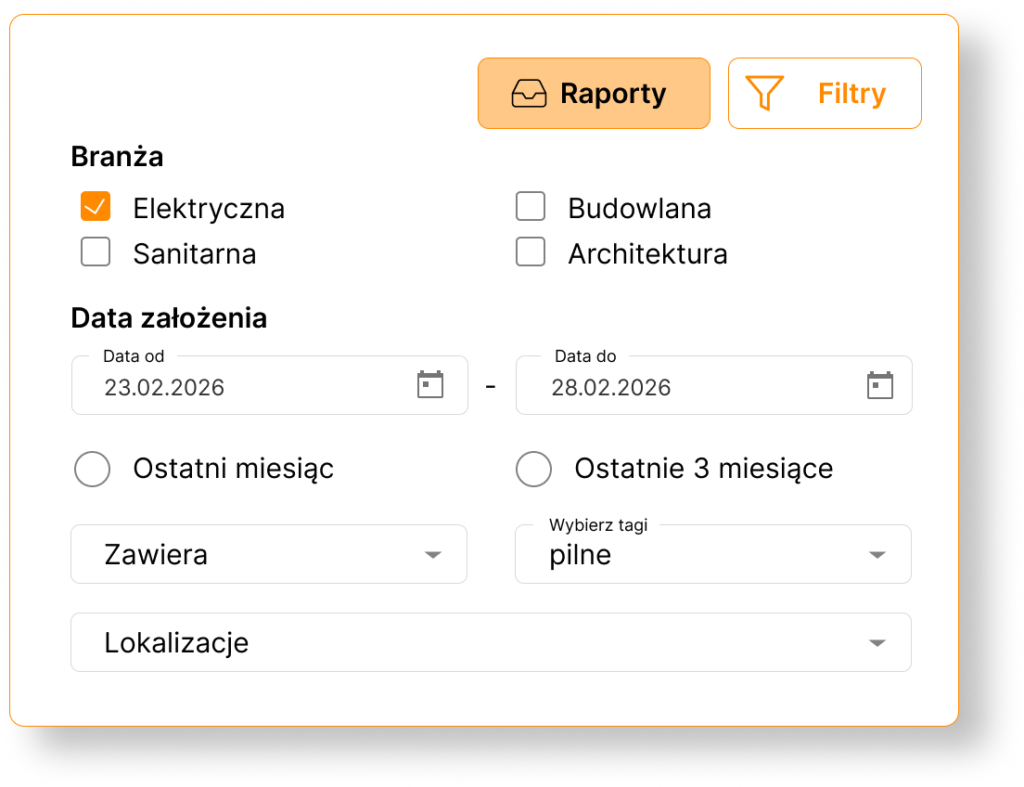
Quick reports

Automated reports show which documents have changed, what the differences are, and where attention is needed to avoid delays and errors.

BinderLess Requests for Information Module

Multiple file comparison methods

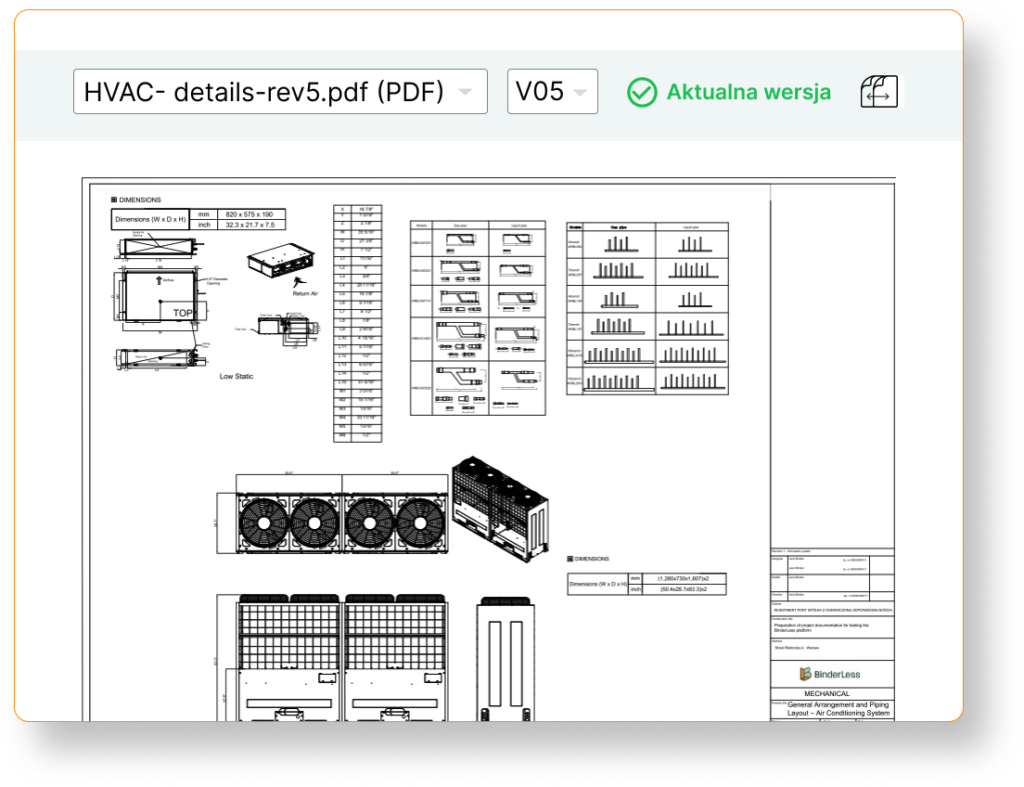
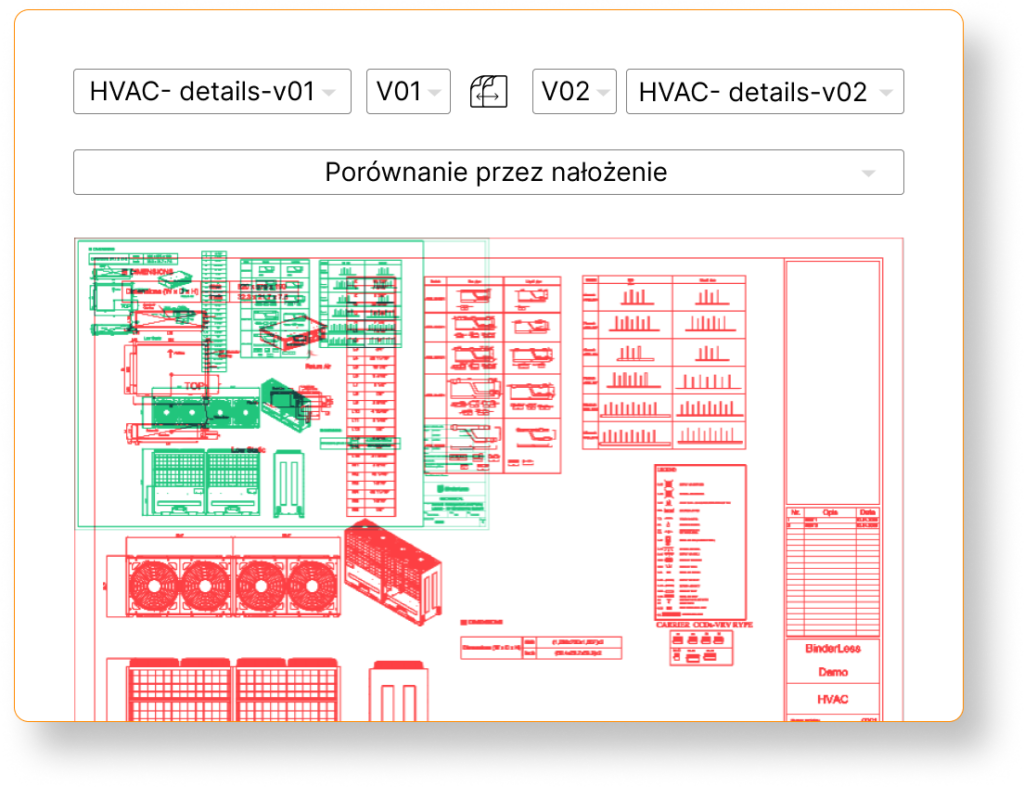
BinderLess offers various file comparison methods, allowing you to customize the view to your needs, depending on whether you are comparing drawings or documents such as meeting notes.
  • Drawing overlay – see visual project changes in one view and see what has changed in a convenient way

  • Comparison with semantic understanding – our comparison tool understands the meaning and context of documents, showing you which differences truly matter, not minor corrections of commas or formatting.

AI Documentation Assistant

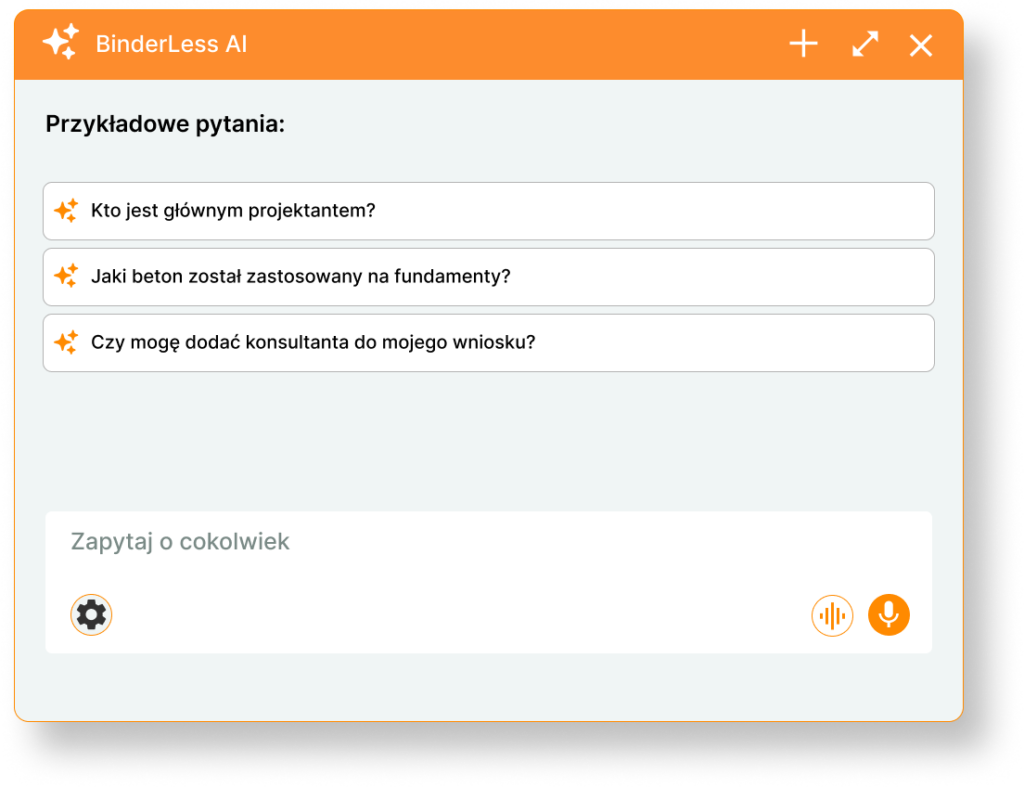
AI Agent – Your personal assistant

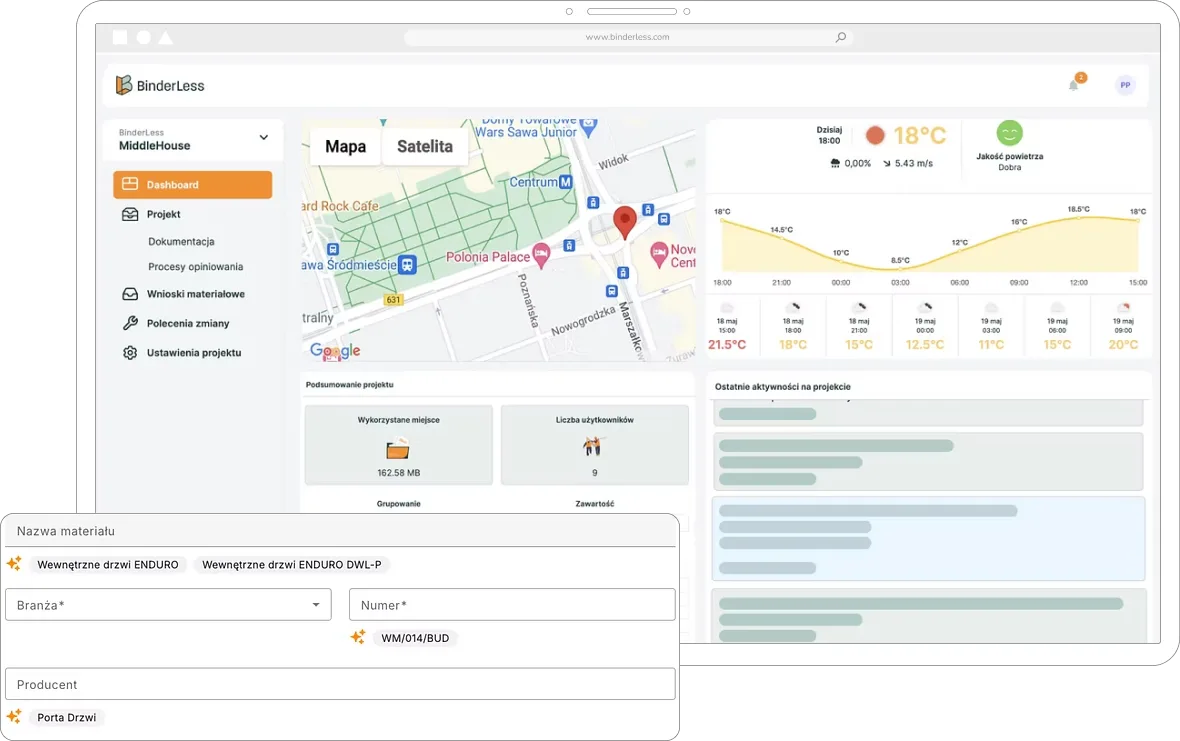
Ask a question and receive an answer without searching through hundreds of files. BinderLess analyzes documentation, reads files, handwriting, stamps, understands meaning, and extracts the necessary information in seconds.

  • Ask questions about documentation
  • Receive instant answers
  • Check information sources

AI Documentation Assistant

Less searching. Faster decisions. Contextual information.

Meet the world’s first AI Agent fully integrated with document workflow on your projects.

  • Ask questions about documentation
  • Receive instant answers
  • Check information sources

Three questions to ask the BinderLess AI agent

Check how much you can save with the BinderLess platform!

COLLABORATE WITHOUT CHAOS

2. Sharing and authorization

In traditional processes, document exchange between teams is chaotic: emails, different folders, lack of version control. BinderLess allows you to maintain a single point of reference with final documentation, accelerating collaboration and eliminating errors.

What do you gain by managing documents on the platform?

  • Easy document sharing – everyone on the team has access to the appropriate files in the correct formats.

  • Authorization and permissions – control who can view, comment on, or edit documents.

  • Support for all technical formats and multiplicity – work without limitations, display technical drawings in 2D (.dwg and .dxf) and 3D (.rvt and .ifc)

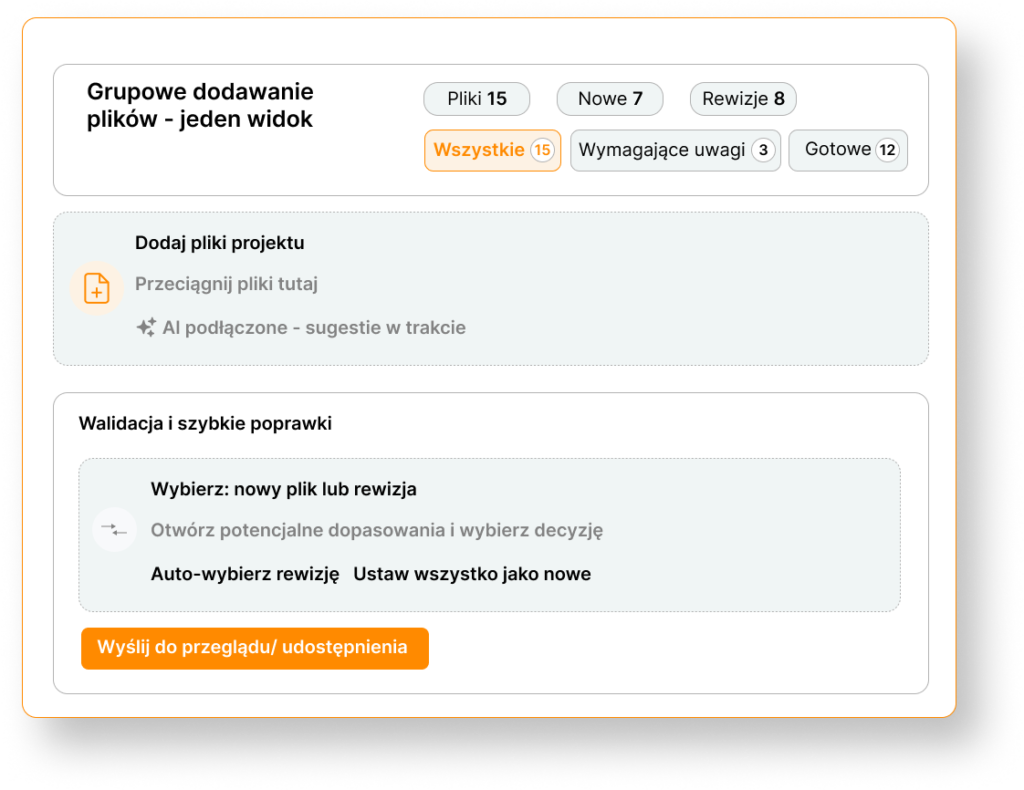
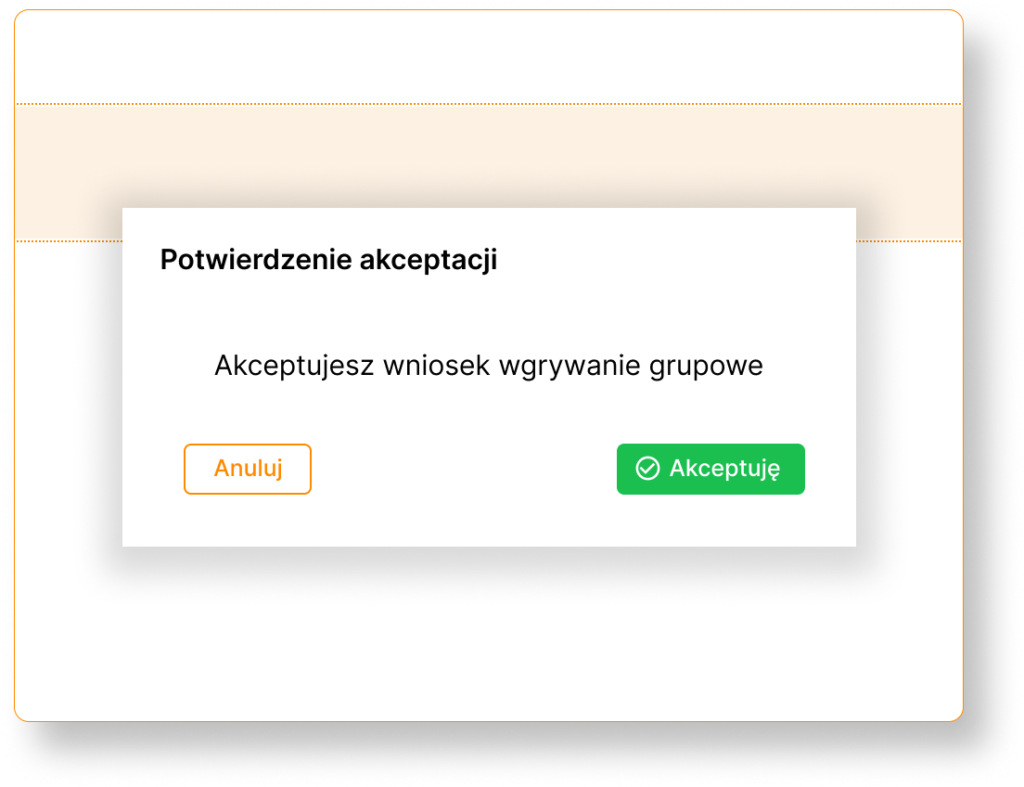
  • Group versioning – add and update a package of documents in one easy process.

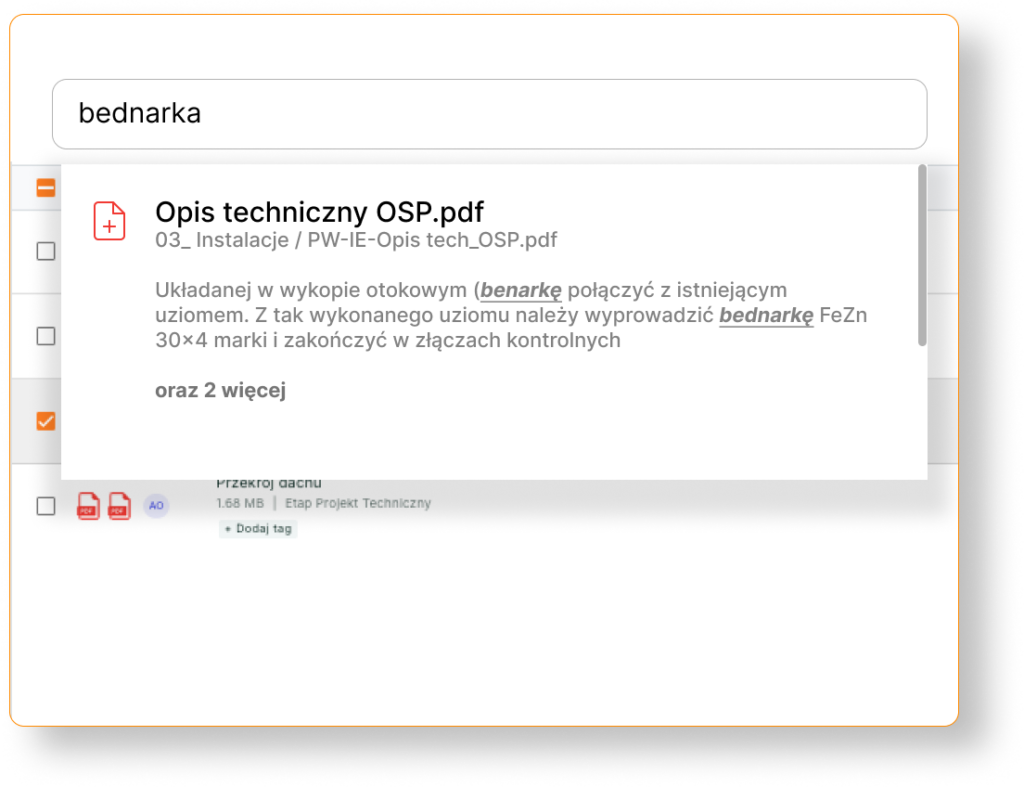
  • Intelligent full-text search, including handwriting – find the information you need in any file, quickly and confidently.

How does document workflow work in BinderLess?
BinderLess Module - Requests for Information (RFI)

Document sharing

BinderLess allows you to share documents with the team in a simple way, while maintaining complete version control.

BinderLess Module - Requests for Information (RFI)

Authorization compliant with ISO 19650

Grant users appropriate rights – from viewing to editing.

BinderLess Module - Requests for Information (RFI)

Format support
and multiplicity

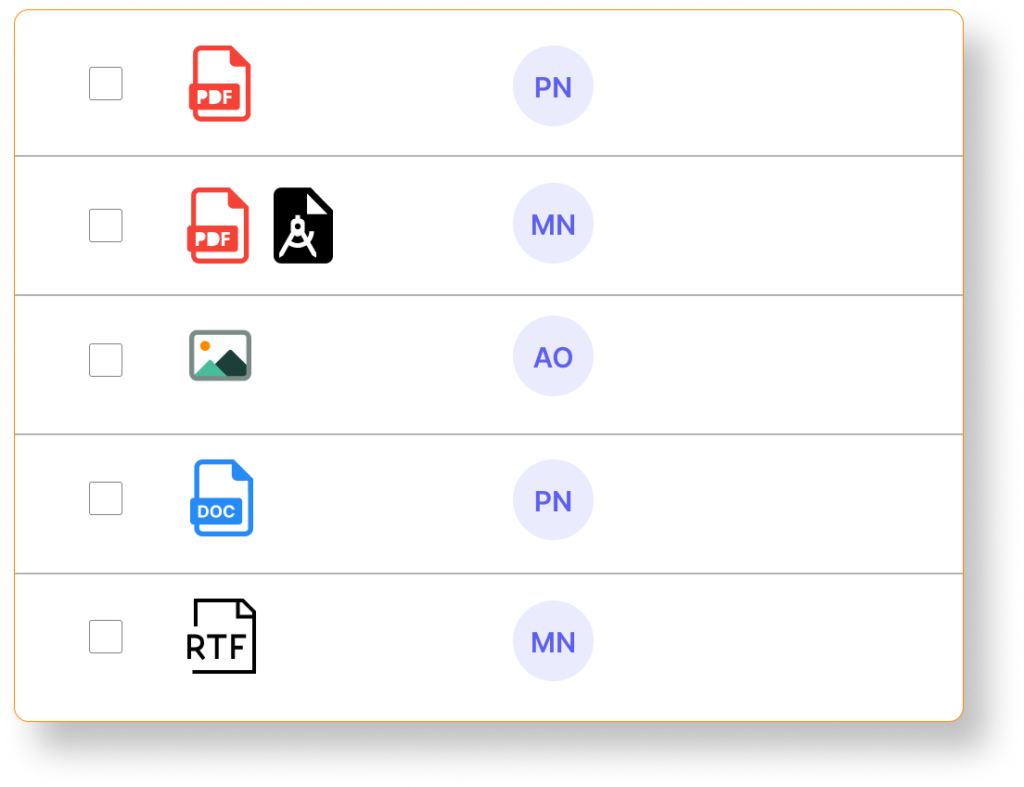
Work without limitations: Add PDF, DWG, photos, documents, and other files in the same place.

BinderLess Requests for Information Module

Group versioning

Add new documents or updates to existing files in a few clicks, automatically creating a change history for the entire package for the entire team.
Full-text search

Full-text search

Find any information in seconds, regardless of whether it is in a PDF, technical drawing, or handwriting.

AI Documentation Assistant

Less searching. Faster decisions. Contextual information.

Meet the world’s first AI Agent fully integrated with document workflow on your projects.

  • Ask questions about documentation
  • Receive instant answers
  • Check information sources

Full-text search

COMPLETE FILE HISTORY

3. Annotations and comments

Traditional communication around documentation is chaotic: emails are lost in inboxes, comments are scattered across files, and important notes are easily missed. BinderLess allows you to keep all annotations and discussions in one place, linked to current document versions, enabling your team to work faster and more precisely.

What do you gain through communication on the platform?

  • Annotations directly in documents – add precise information regarding drawings and documents

  • Comments – discuss and convey information within specific documents.

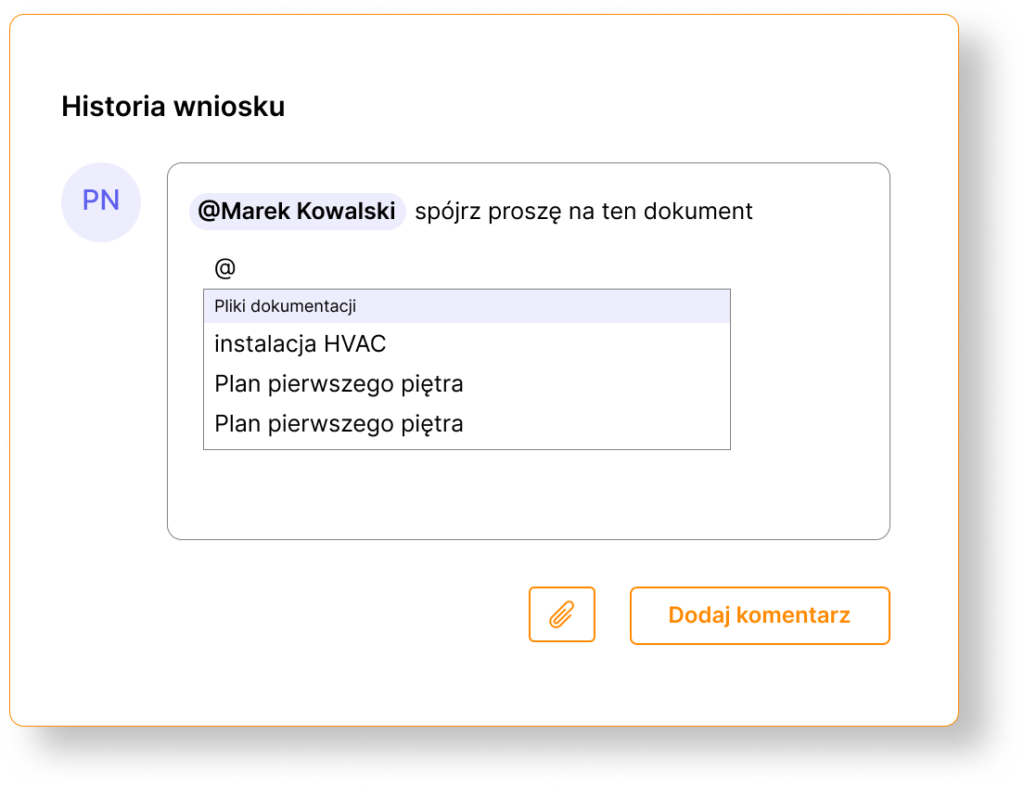
  • @ references – tag people, documents, and processes to discuss specifics.

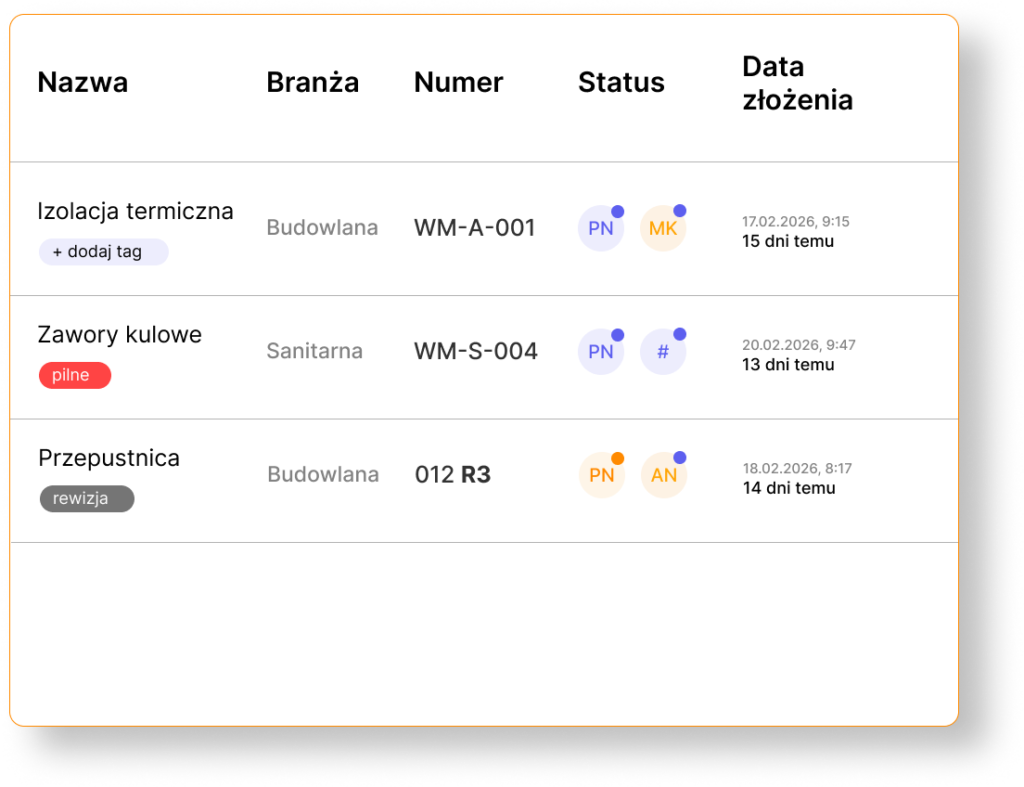
  • Tags for quick organization – add tags to group important information

How does information exchange work in BinderLess?
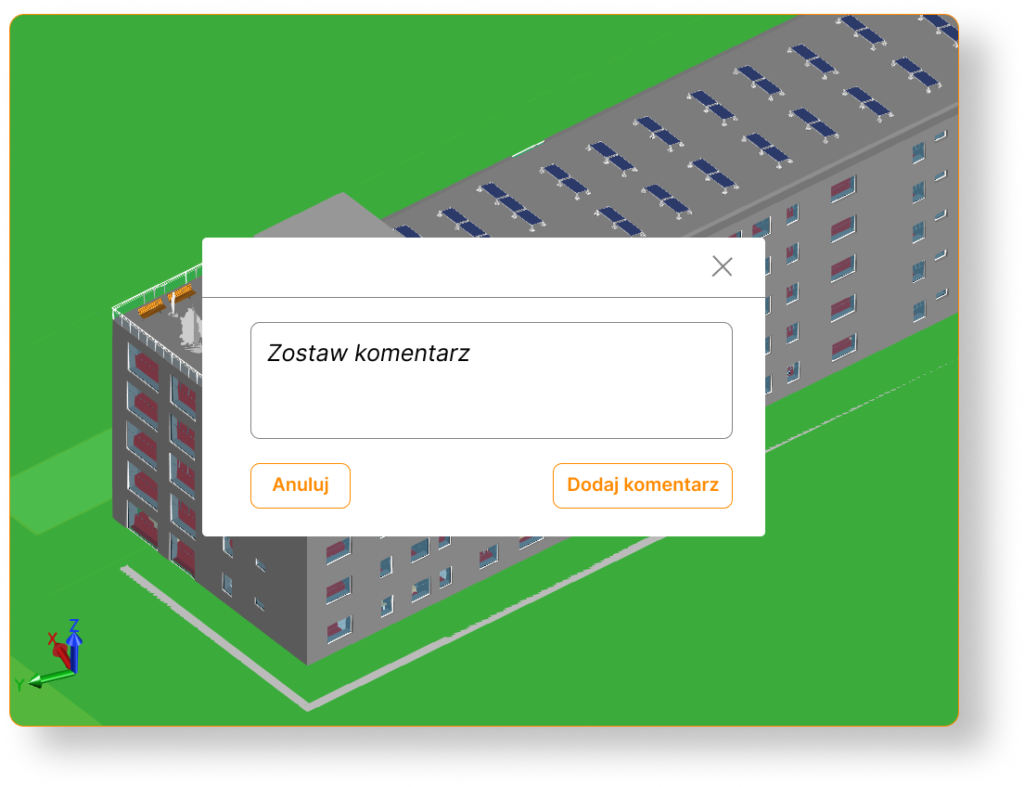
BinderLess Module - Requests for Information (RFI)

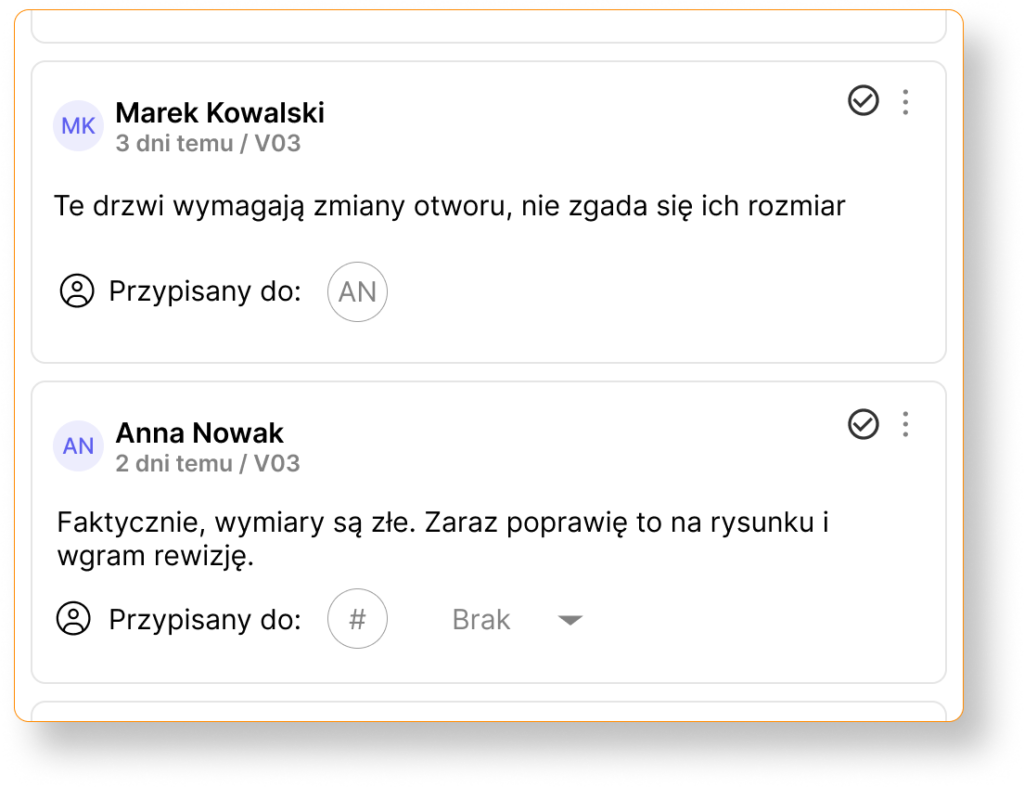
Annotations and comments in document context

BinderLess allows you to add notes, comments, and instructions directly in files,

BinderLess Module - Requests for Information (RFI)

@ references

Tag a specific team member in a comment to quickly direct attention to a change or issue, refer to specific files or processes to ensure information precision

BinderLess Module - Requests for Information (RFI)

Tags for discussion organization

Assign document tags to easily filter and find all notes related to, for example, drawings, specifications, or investor decisions.

And if you want to learn how to implement the digitization process in your company, read our article: Digitization of construction documentation: a complete step-by-step guide.

Does organized and always current documentation sound like something for you?

Do you have a question? Find the answer!

Project documentation module in a nutshell – learn the most important answers to frequently asked questions