
BINDERLESS MODULES – PROJECT DOCUMENTATION
Find answers instantly – always in current document versions
Unlike emails and messengers, knowledge is not lost – it remains permanently assigned to the appropriate documents, even years after construction completion.
SEARCH FOR INFORMATION IN SECONDS
1. Documentation analysis
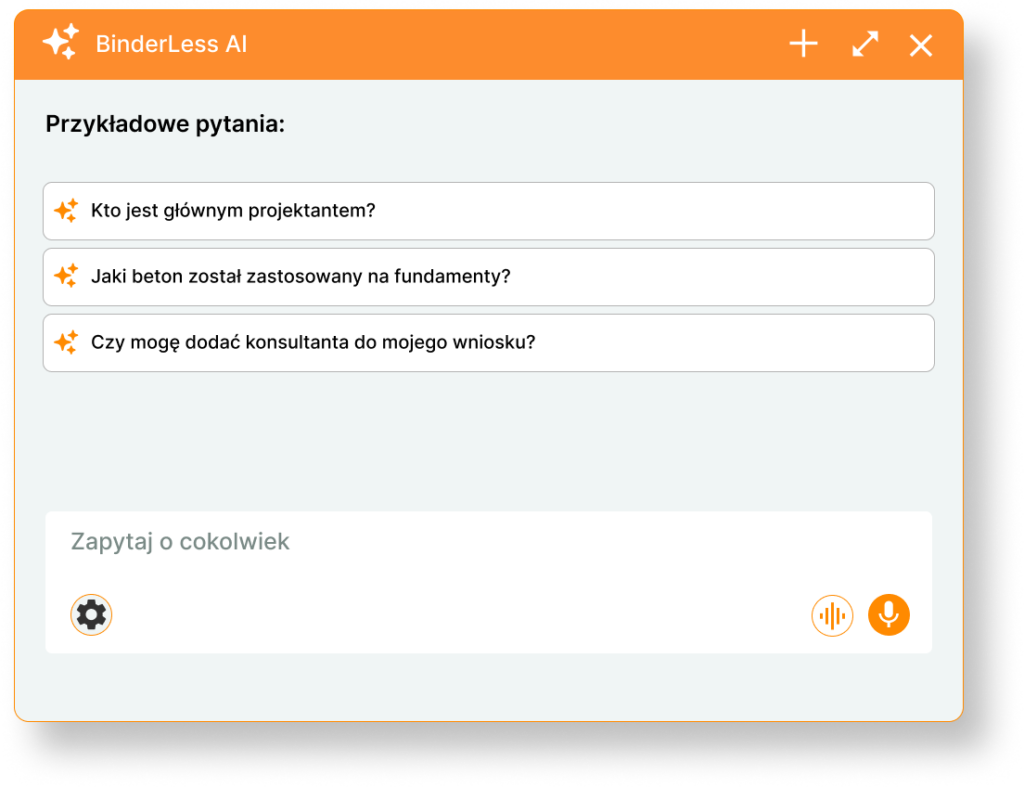
Find the information you need in seconds – AI analyzes scans, tables, and handwriting from always current document versions, without the risk of using outdated files.
Gain complete control over file versions
Documentation analysis loses its value when you are not certain which version you are working with. Changes are lost in files, differences are difficult to detect, and errors only emerge on the construction site.
BinderLess organizes documentation, analyzes changes, and gives you confidence that you are working with the correct version – it is a single point of reference for the entire team.
What do you gain by searching for information in BinderLess?
How does documentation analysis work?
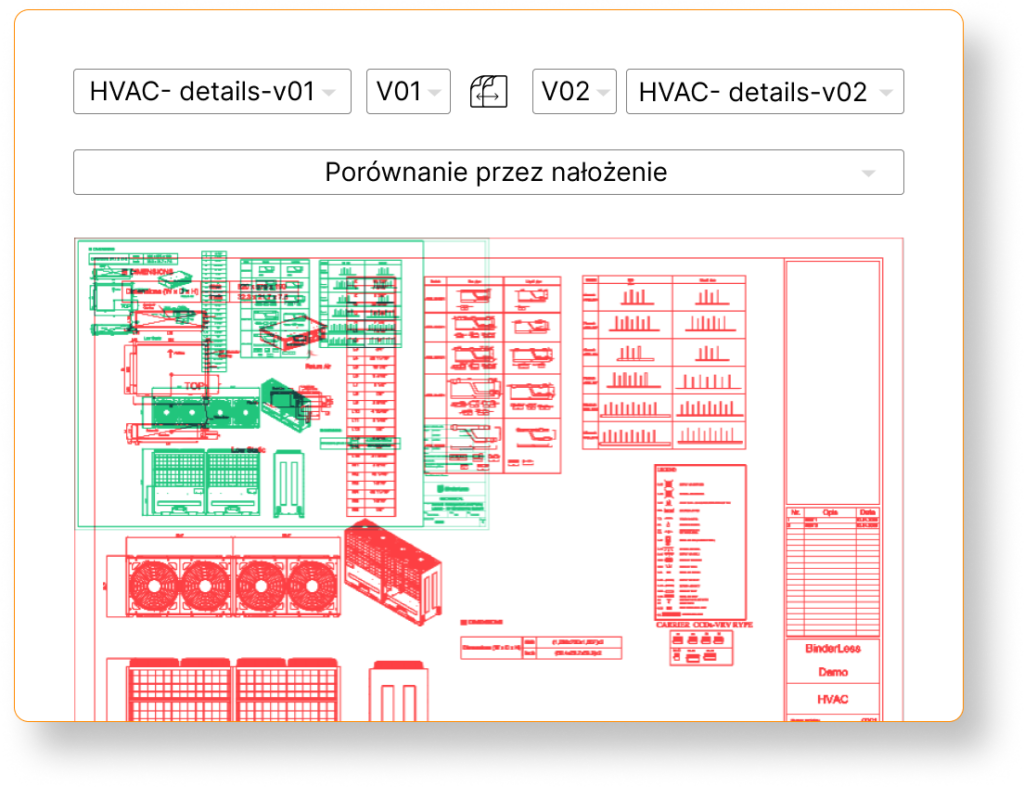
Multiple file comparison methods
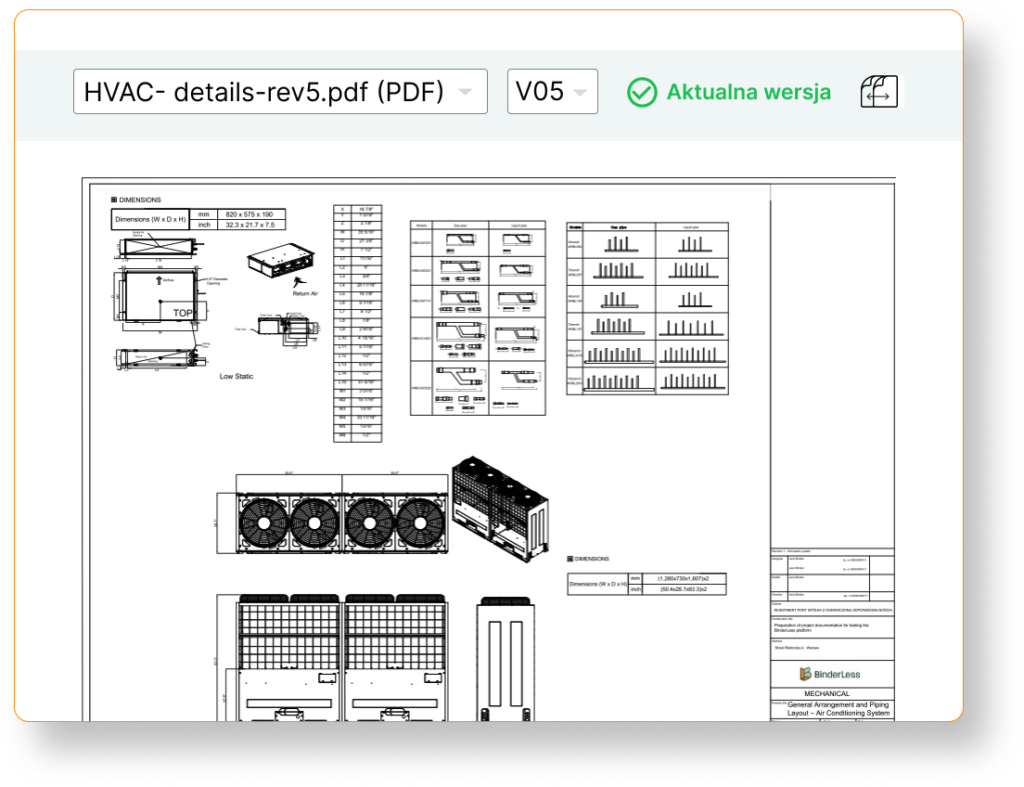
BinderLess offers various file comparison methods, allowing you to customize the view to your needs, depending on whether you are comparing drawings or documents such as meeting notes.
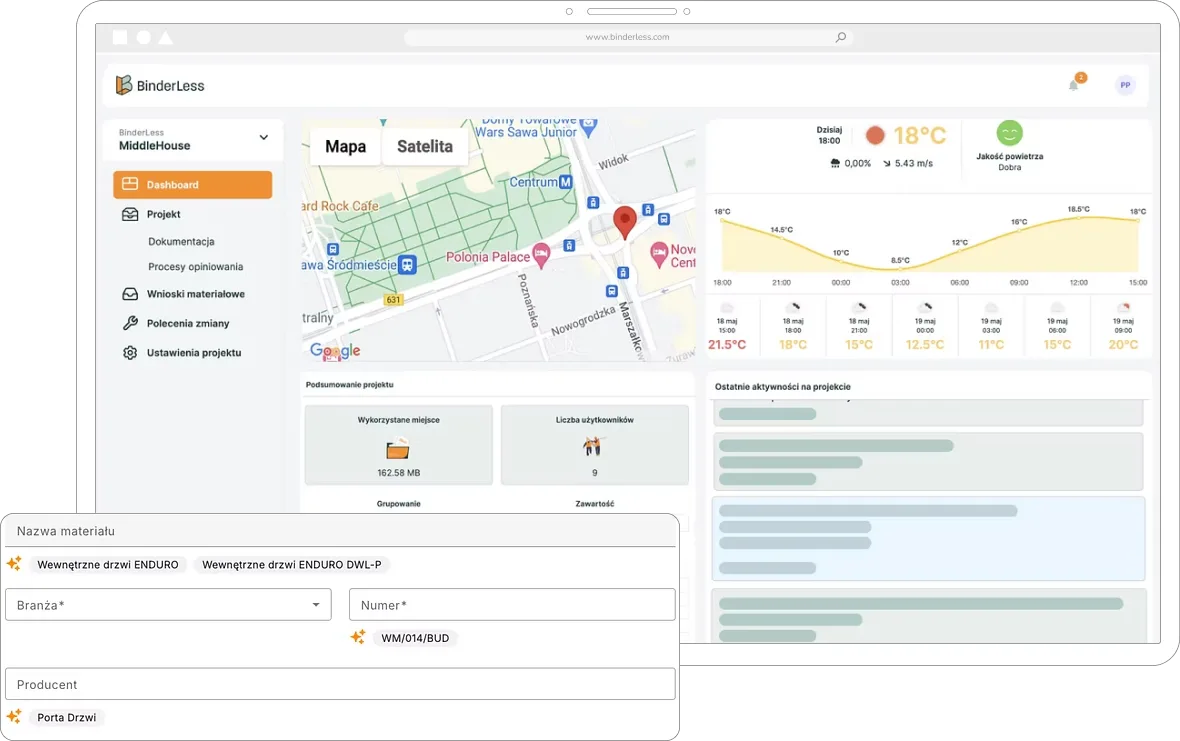
COLLABORATE WITHOUT CHAOS
2. Sharing and authorization
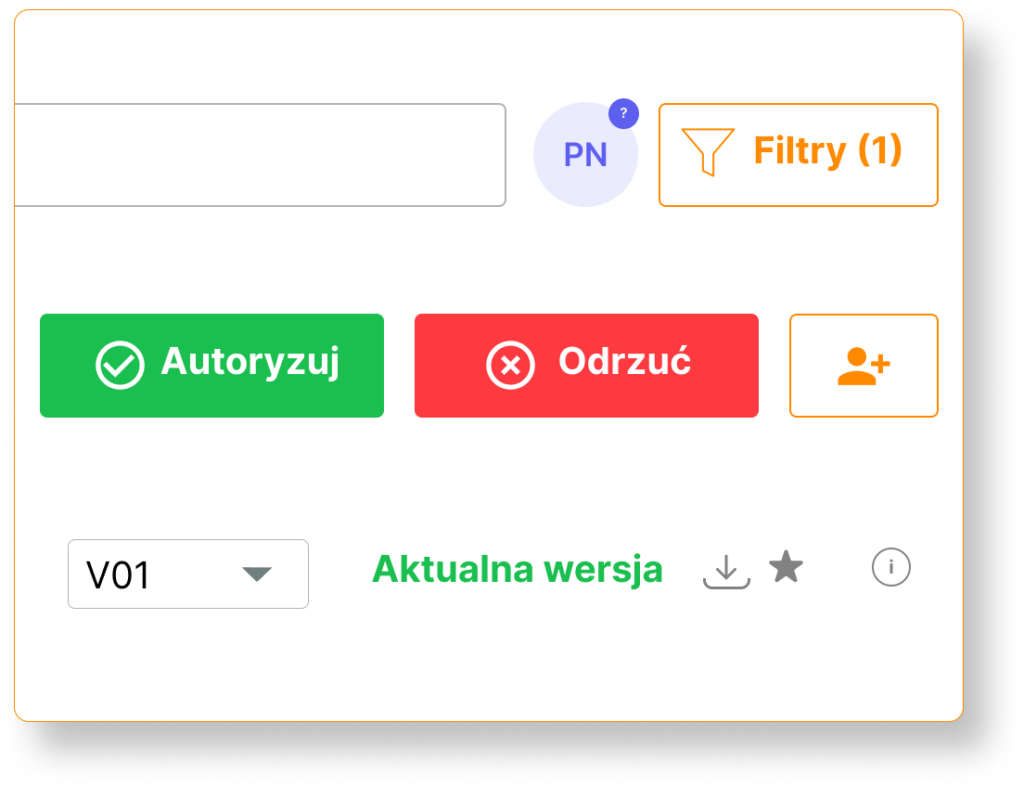
In traditional processes, document exchange between teams is chaotic: emails, different folders, lack of version control. BinderLess allows you to maintain a single point of reference with final documentation, accelerating collaboration and eliminating errors.
What do you gain by managing documents on the platform?
How does document workflow work in BinderLess?
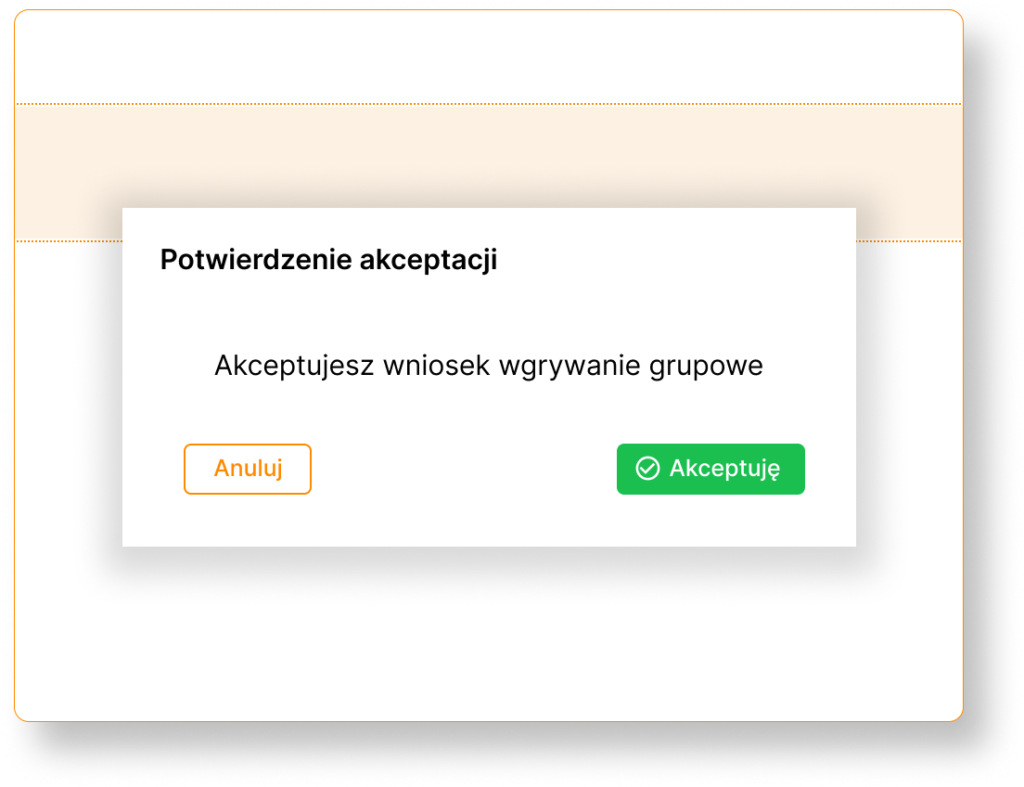
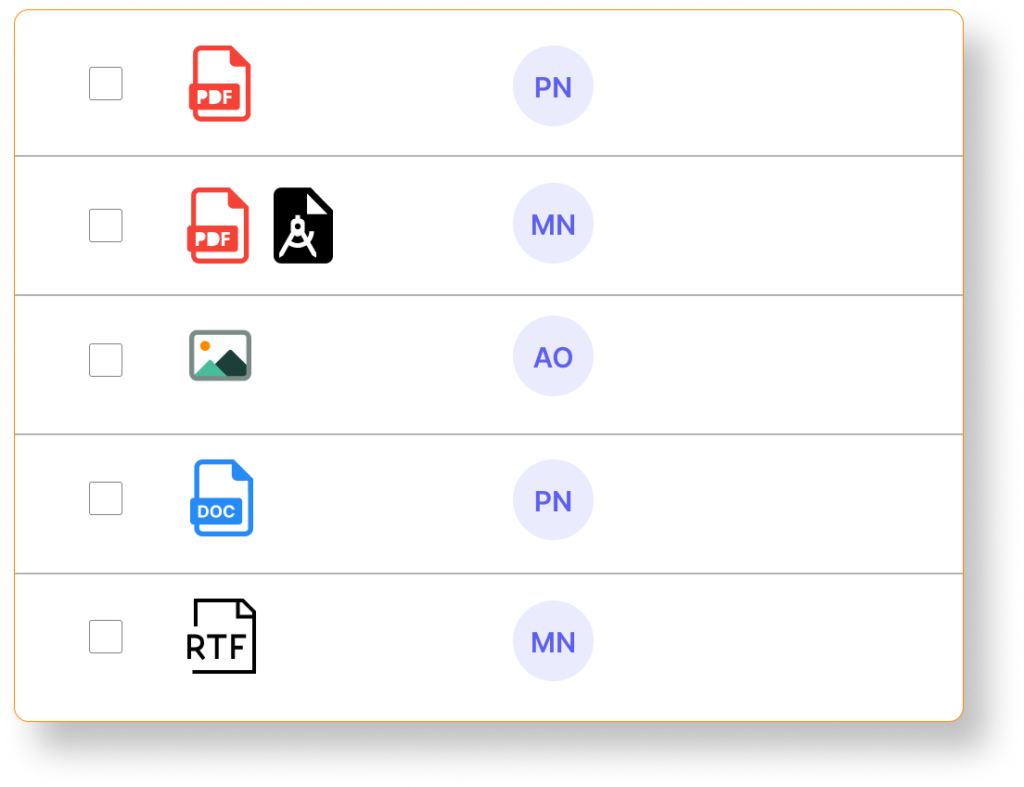
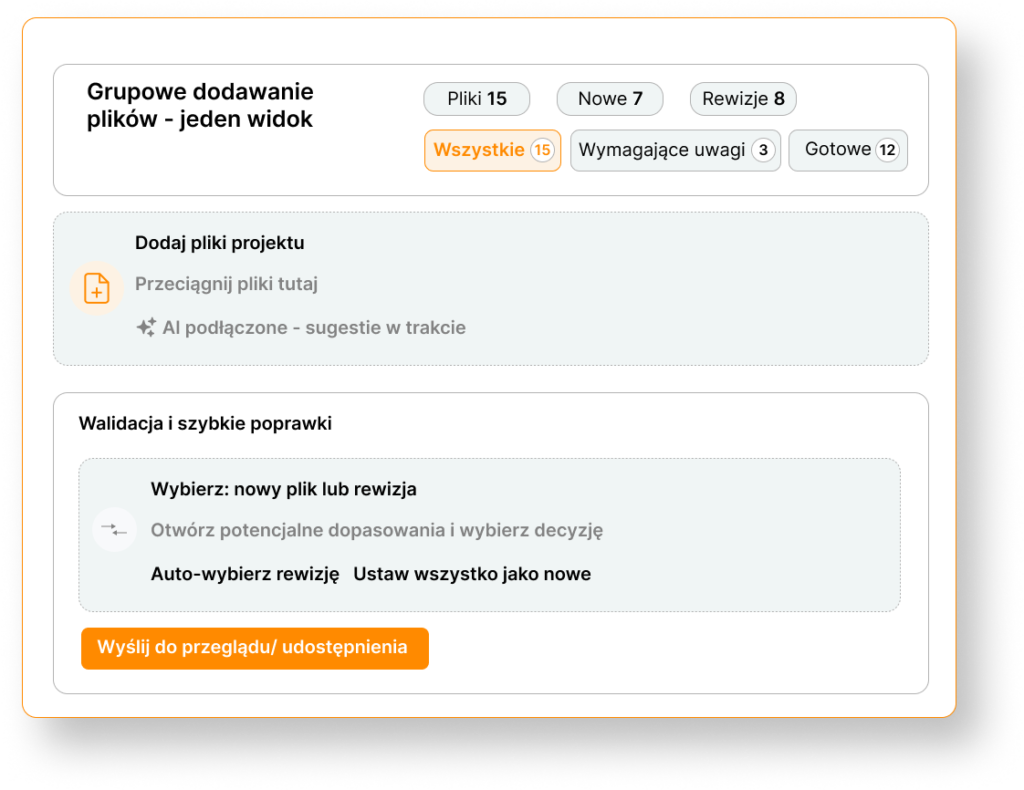
Group versioning
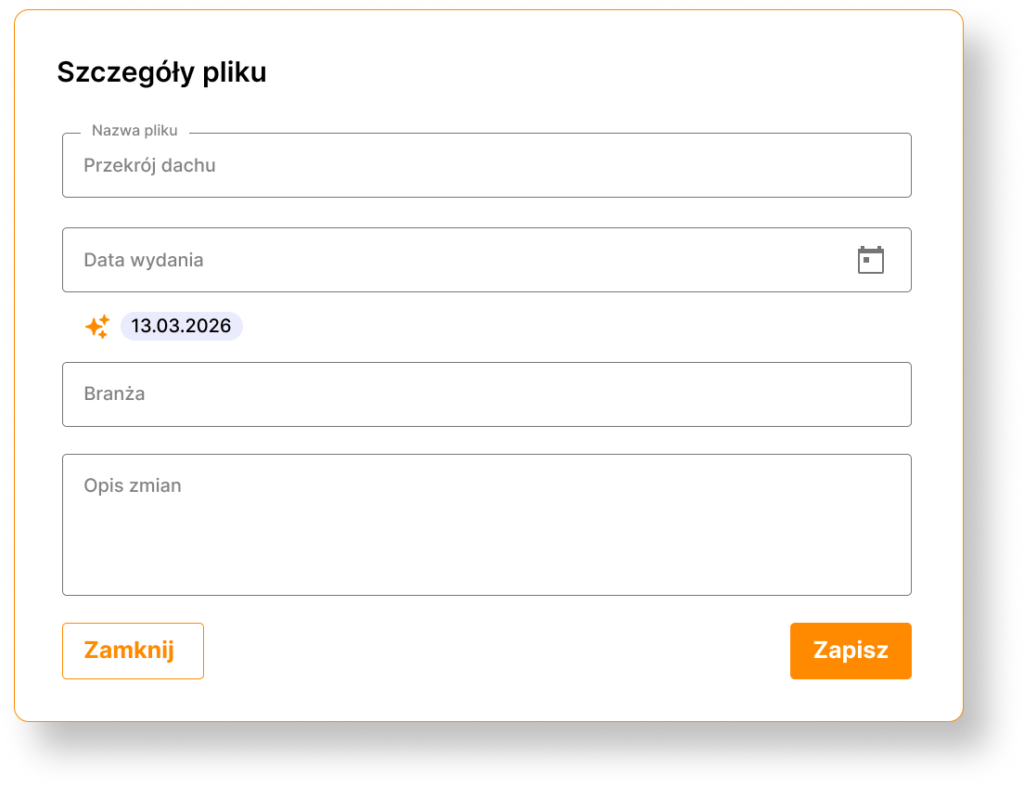
Add new documents or updates to existing files in a few clicks, automatically creating a change history for the entire package for the entire team.
COMPLETE FILE HISTORY
3. Annotations and comments
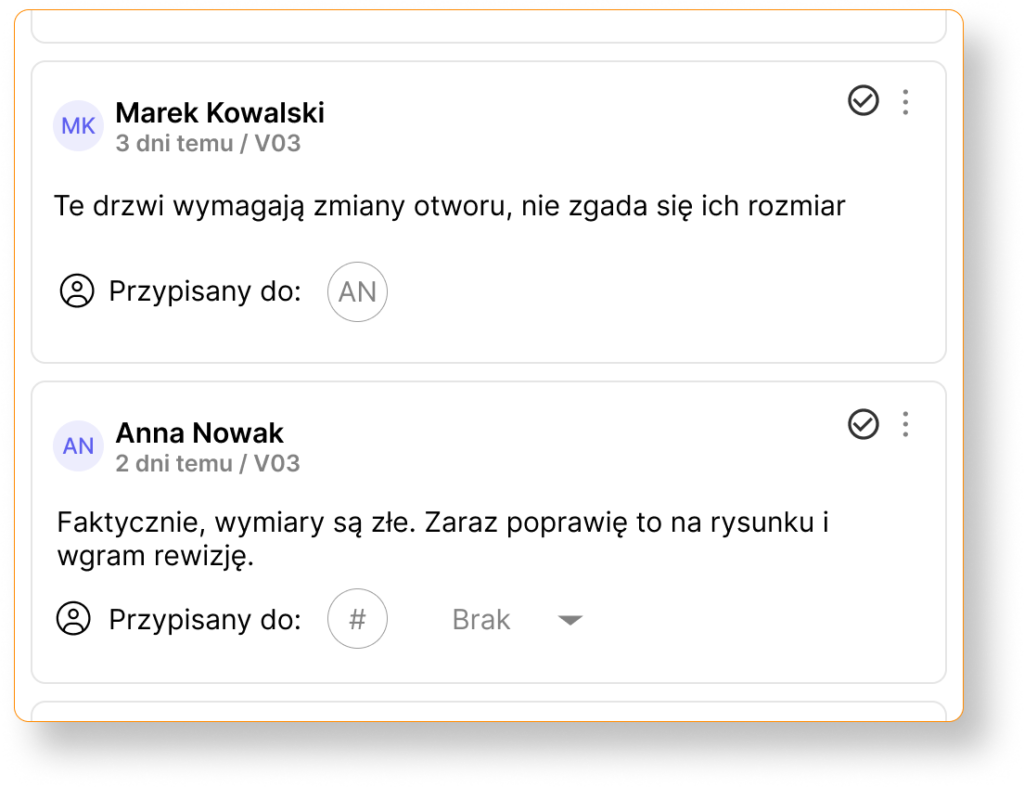
Traditional communication around documentation is chaotic: emails are lost in inboxes, comments are scattered across files, and important notes are easily missed. BinderLess allows you to keep all annotations and discussions in one place, linked to current document versions, enabling your team to work faster and more precisely.
What do you gain through communication on the platform?
How does information exchange work in BinderLess?
And if you want to learn how to implement the digitization process in your company, read our article: Digitization of construction documentation: a complete step-by-step guide.
Do you have a question? Find the answer!
Project documentation module in a nutshell – learn the most important answers to frequently asked questions
Yes. BinderLess supports bulk versioning — you add a batch of new documents or update existing files in a single process. The system automatically creates a change history for the entire batch, and the team receives notifications. Additionally, we compare file similarity and immediately indicate which documents have been revised.
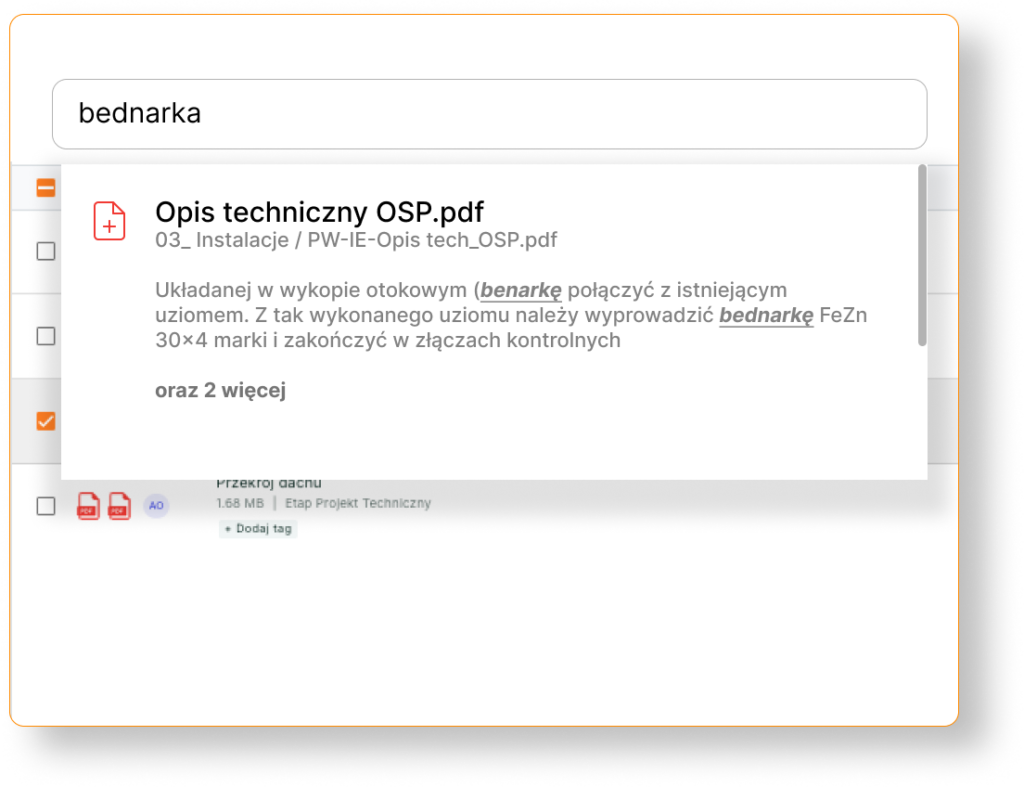
Yes. The search function searches the content of PDFs, text documents, technical drawings, as well as scans with handwritten text and stamps. It even functions with spelling errors in the query.
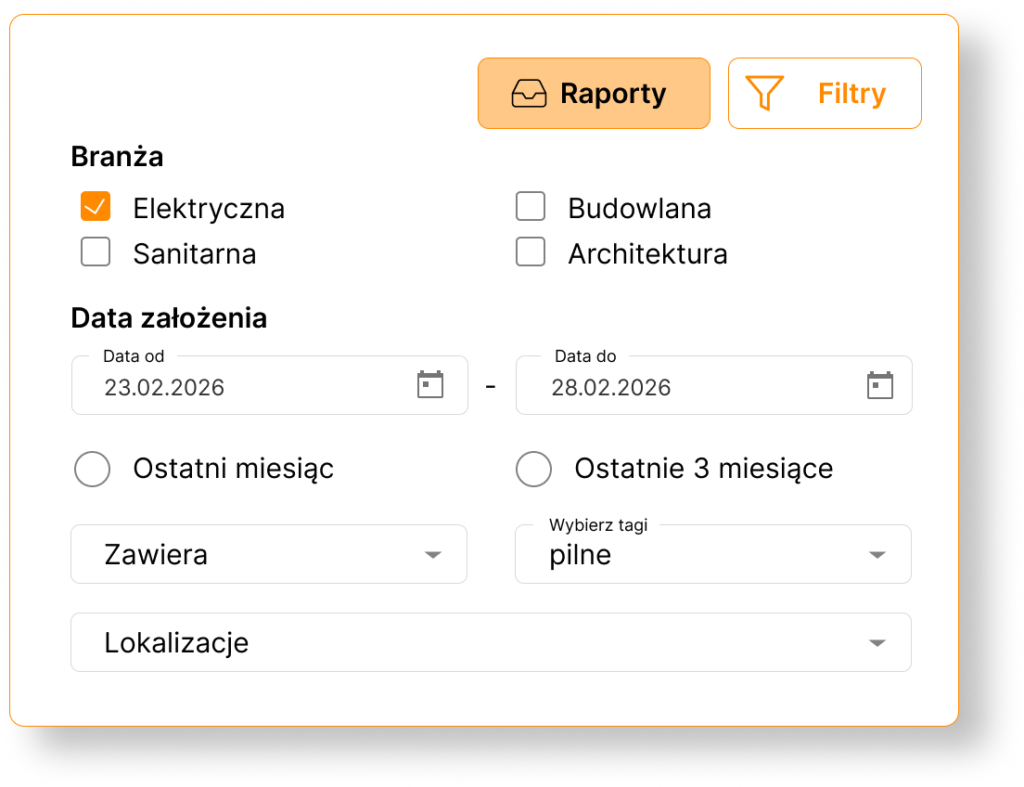
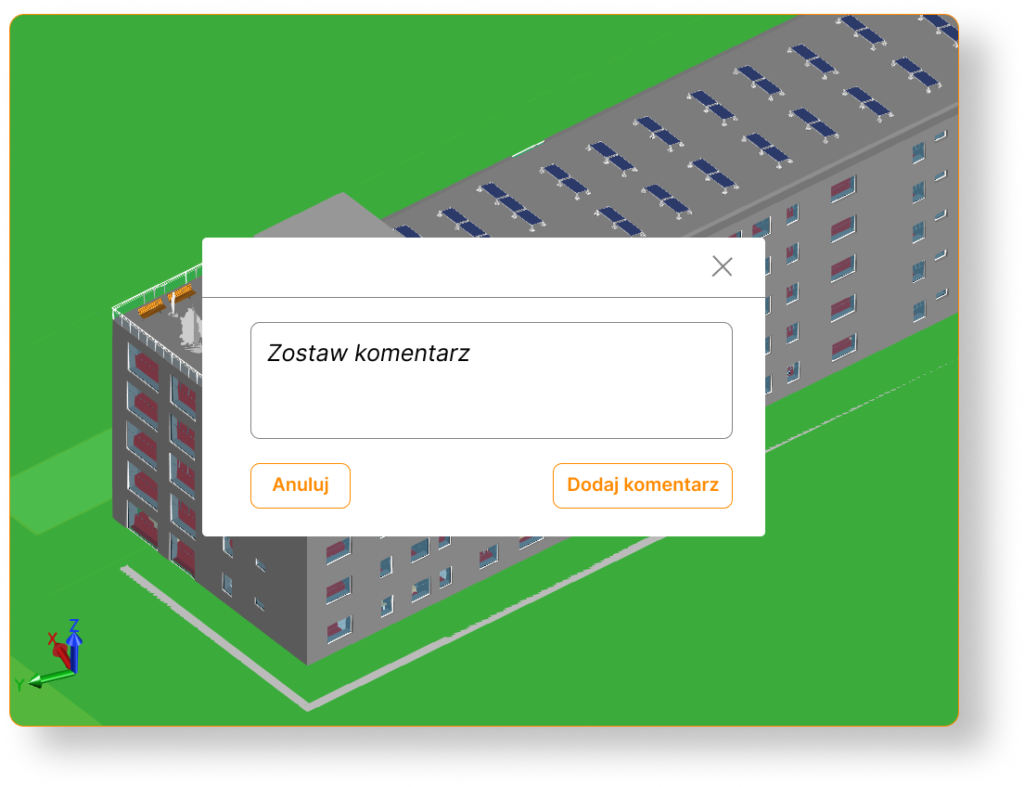
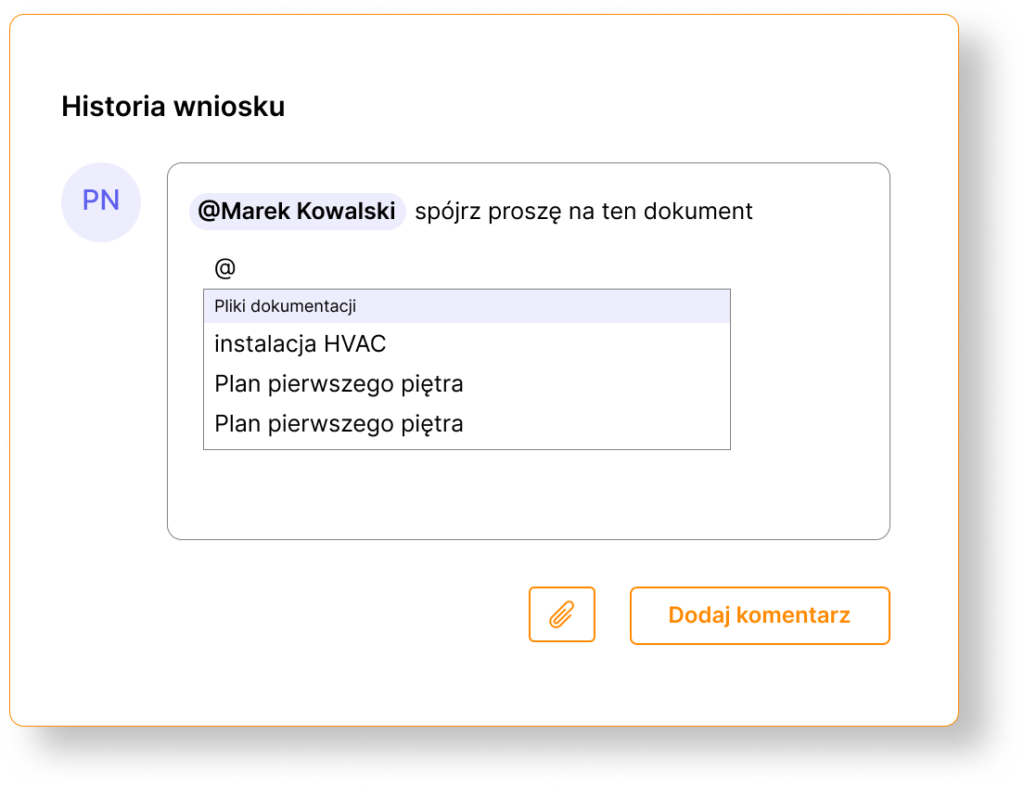
You add comments and annotations directly on documents and drawings — without printing or emailing. You can tag team members using the @ symbol, link to other files or processes, and add tags to facilitate filtering remarks. Additionally, you can place pins on files to indicate the exact location within the project or document.
The AI Agent allows you to ask questions about all documentation in natural language and receive immediate answers with source references. The AI reads PDF files, scans, handwriting, and stamps, understands the meaning of documents, and generates reports. It works independently of the documentation language.
BinderLess offers three comparison modes: side-by-side comparison, drawing overlay (for viewing visual changes in a single window), and semantic text comparison. The system understands meaning and context, highlighting only significant changes, not minor formatting adjustments. Furthermore, you can enable document synchronization during side-by-side comparison for convenient scrolling and identifying changes.
The platform supports: PDF, DWG and DXF (2D drawings), RVT and IFC (3D models), photos, and text documents. 2D and 3D technical drawings can be viewed directly in the browser — without additional software.
Modules integrate with each other using the “@” symbol, which allows you to reference specific people, documents (material requests, documentation, project inquiries, etc.), and processes. Documents can also be assigned to locations. This allows for easy placement of files within the project context and provides access to all related information.
Yes. With each update, the platform creates a new version and archives the previous one. You can view the full change history, revert to older versions, and compare PDF files to see exactly what has changed.
BinderLess ensures a high level of security for project documentation through advanced access control mechanisms. You can define permissions for individual users or user groups, specifying who can view, edit, or add documents. All activities in the system are logged, allowing you to track change history and identify any irregularities.
You can read more about data security in our article on this topic.
No. In accordance with the ISO 19650 standard, on which BinderLess operates, documents cannot be permanently and irreversibly deleted. This ensures a full audit trail and compliance with project documentation archiving requirements. However, documents can be moved to the trash or gain a “rejected” status.
You can upload documents using the “drag and drop” method or traditional upload. You can create folders and subfolders, tag files, and view them directly on the platform — without downloading. The intelligent search engine finds documents by name, tags, and for many formats, also by content.
Watch the video on how to upload documents to the platform and see how simple it is: https://youtu.be/JVk_8Ufw-I8